Free or occupied
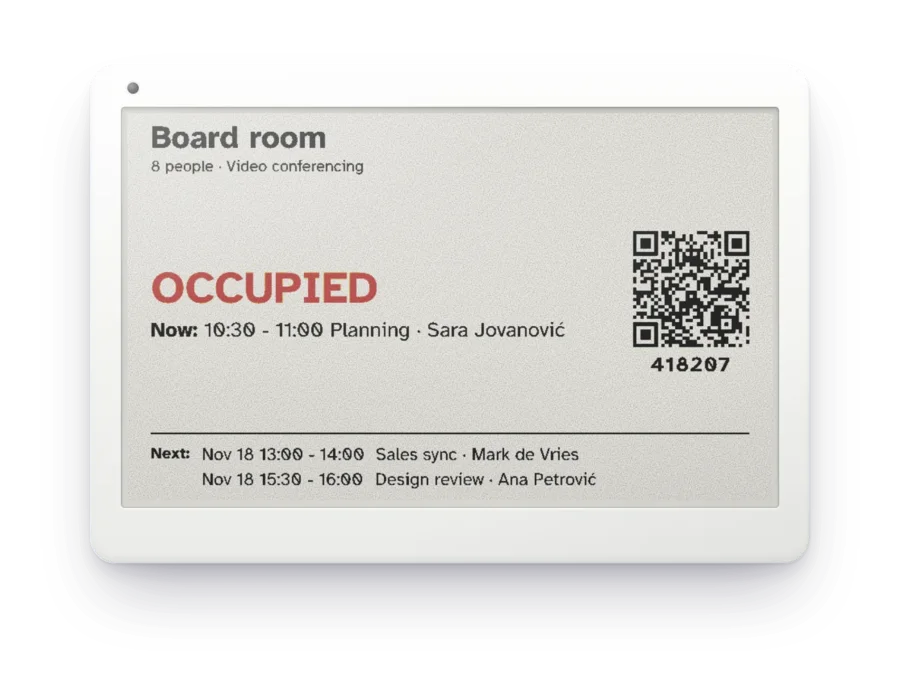
In large letters, with who booked the room and until when.
Prostorio reads your room calendars in Microsoft 365 or Google Workspace and shows them at each door, on a screen or on a wireless ePaper sign. People keep booking in Outlook or Google Calendar, and the door updates itself. Found a free room? Scan the code and book it on the spot.
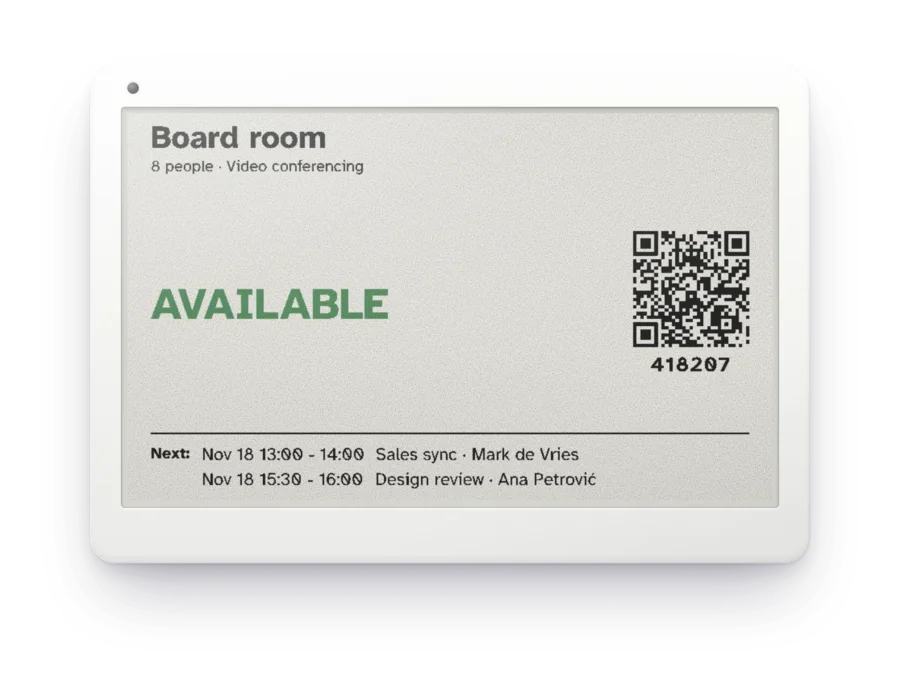
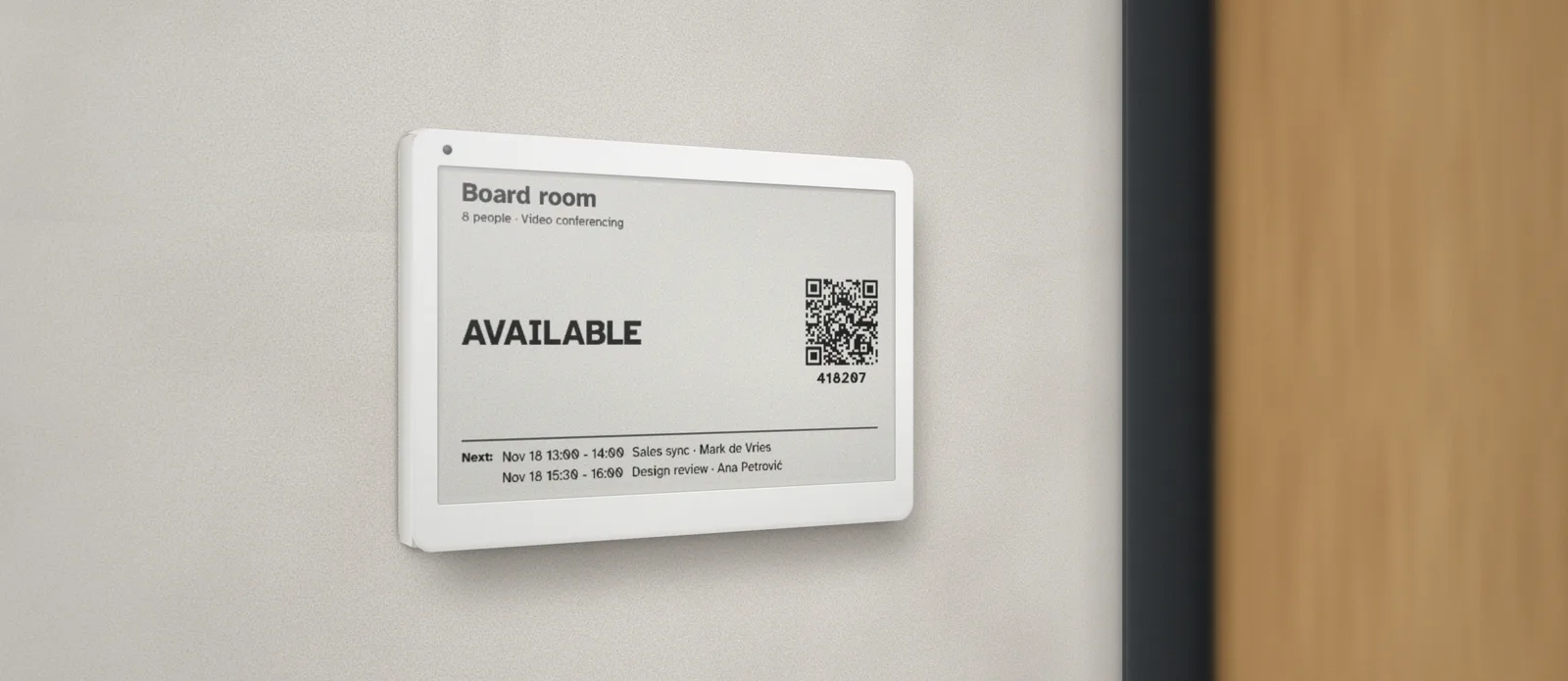
An illustration. On an ePaper sign, people book by scanning the code with their phone.
You set it up once for the whole company. Nobody has to learn a new way of booking.
After that, people book the way they always have, in Outlook or Google Calendar, and the door changes by itself. A booking made at the door lands in the same calendar, so nobody gets double-booked.
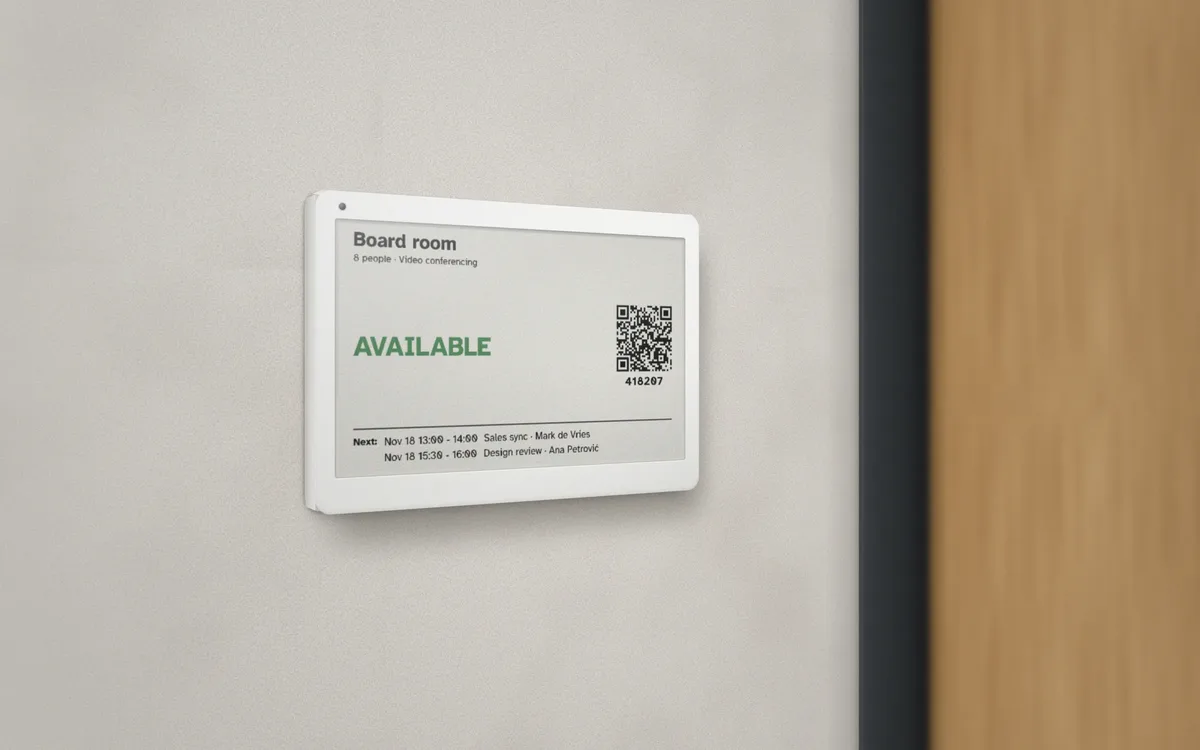
In large letters, with who booked the room and until when.
Scan the QR code to open the room's booking page.
Booking asks for the code under the QR code. It changes every few hours, and the sign always shows the current one.
The next meeting, so nobody settles into a room that is about to fill up.
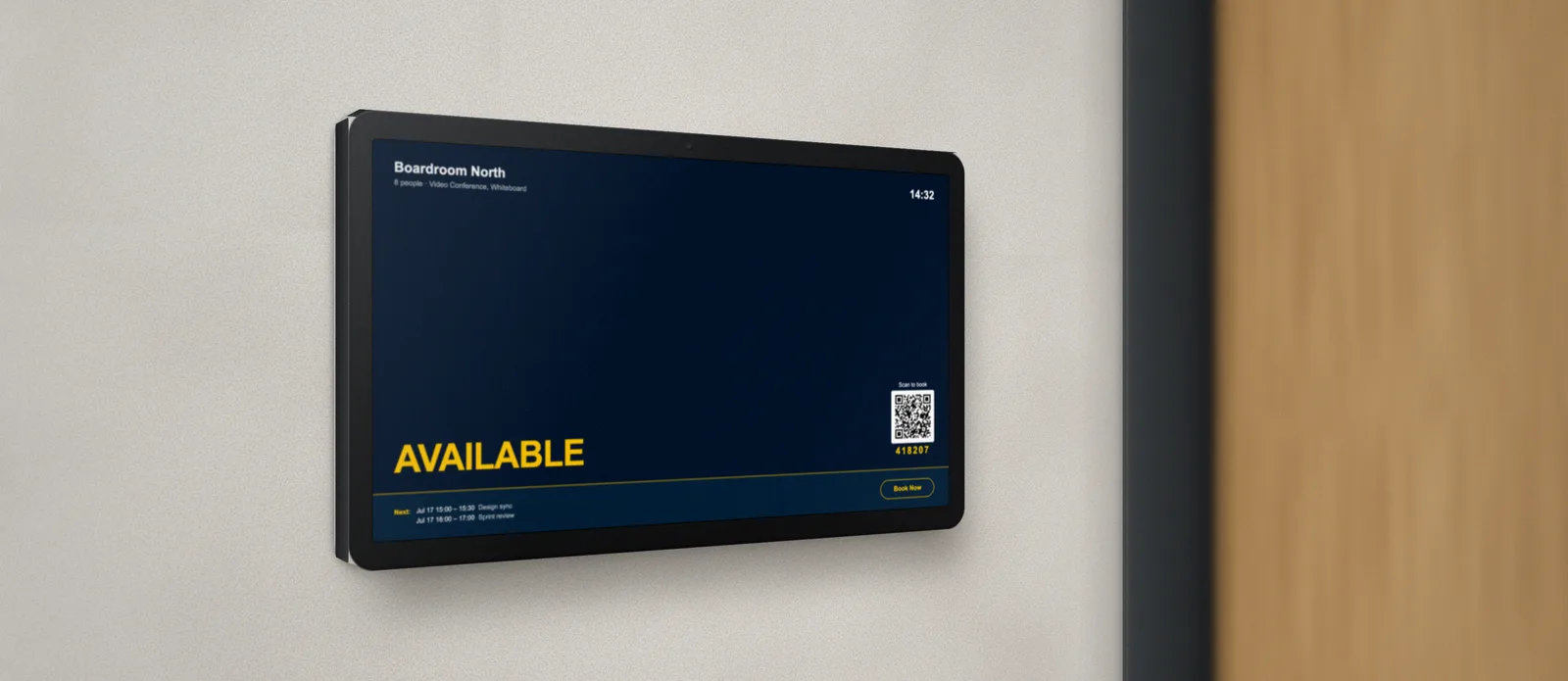
Every room can show at its door whether it is free, what is on now and what is next. There are two ways to do it.
A tablet or TV at the door.
Live, in colour, and people can book on it.
A thin wireless sign at the door.
No cables, easy to read, runs on a battery.
Prostorio works with uInk's full-colour ePaper signs. They connect straight to your Wi-Fi, so there is no gateway to install.
Not sure? Put a screen at the large meeting rooms and ePaper signs everywhere else. Both run from the same Prostorio account.
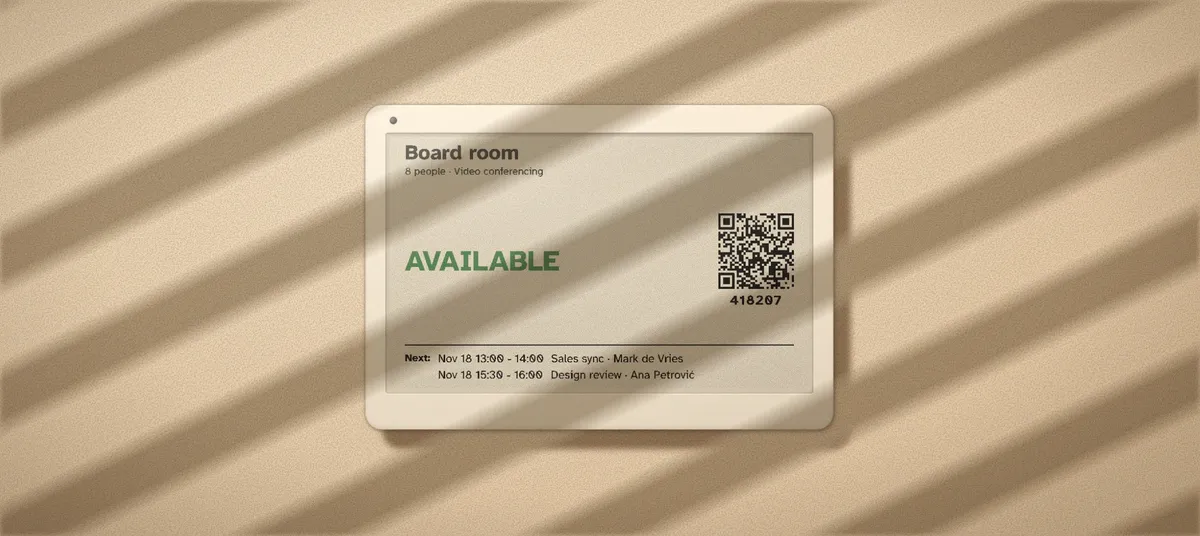
It doesn't glow, and it stays sharp in direct sunlight.
Only the gateway is installed; the signs mount without wiring.
Even while the battery is changed.
For meeting-room doors: 7.5, 11.6 or 13.3 inches.
uInk's full-colour signs connect straight to your Wi-Fi.
Prostorio reads and books the room calendars you already have. It doesn't need a server in your building.
With Microsoft 365, any colleague with a work account signs in, and your administrator approves from a link. Either can go first.
Authorise Prostorio in the Google Admin console and choose a staff account, for example rooms@, that reads and books the room calendars.
Prostorio keeps none of your sign-in. To take access back, disconnect in Prostorio, then remove the app in Microsoft Entra or in Google's domain-wide delegation.
Your data is hosted in the EU.
For AV integrators and resellers. You supply, install and look after the signs at your client; we provide the software. Start with an online demo.
We show you Prostorio online, on a live sign connected to a calendar. Tell us a little about your rooms and we'll suggest a time.